
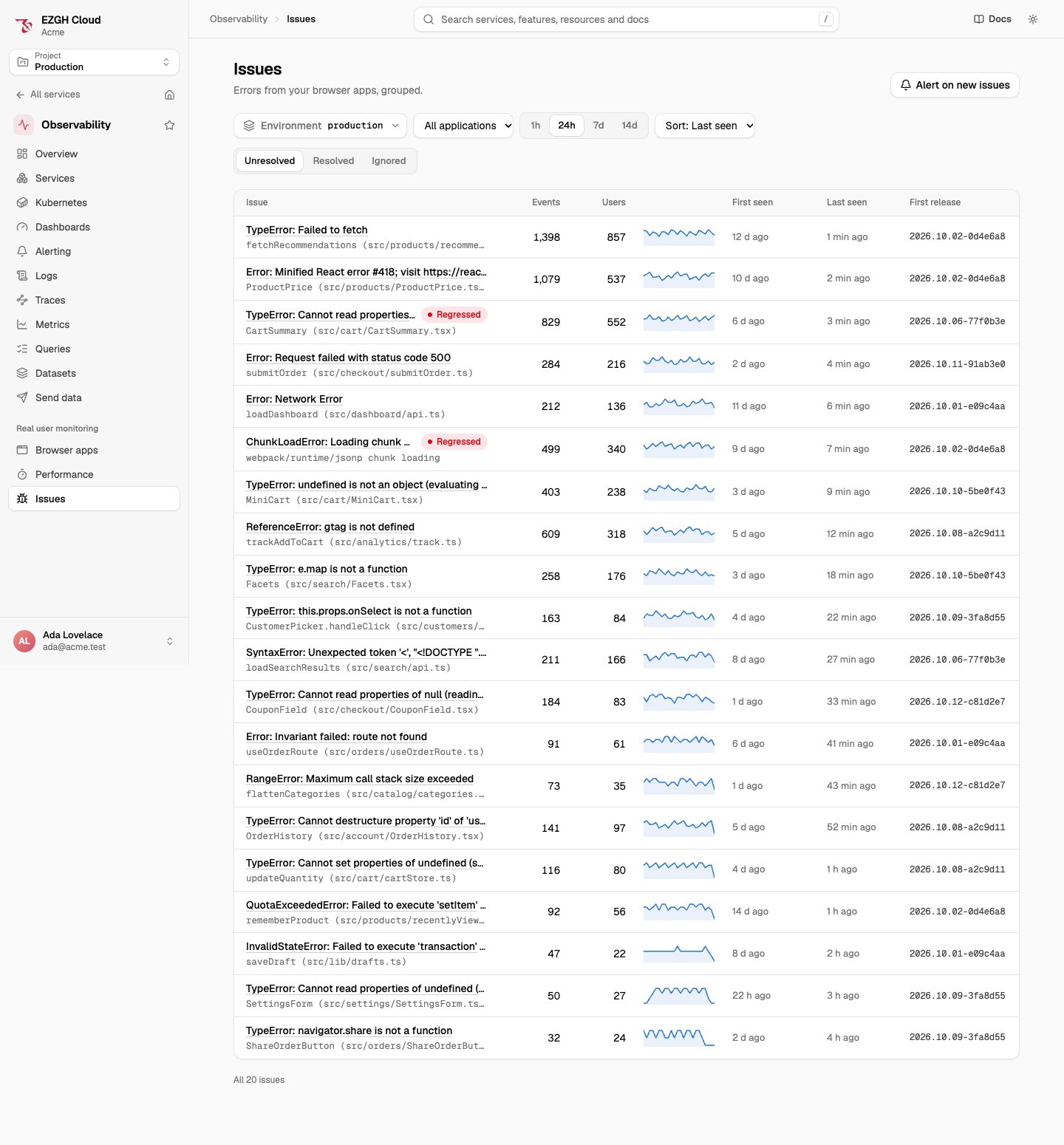
An issue is one kind of error in one environment and application: every error with the same fingerprint. Instead of a list of thousands of errors, you get the few problems behind them, each with its counts, its symbolicated stack trace, the breadcrumbs that led to it, and a state you manage.
- The title is the first event’s type and message, such as
TypeError: Cannot read properties of undefined (reading 'price'). - The culprit is the top frame of your own code: its function and file, such as
CartSummary (src/cart/CartSummary.tsx). - Each issue has an ID, an
iss_slug and a resource name. Its ID is in theezgh.rum.issue.idattribute of every error it groups.
How errors are grouped
Each error’s fingerprint is, in order:
- the string you gave with
captureException(error, { fingerprint: "checkout-timeout" }); - otherwise, the error type and your code’s top 5 frames, by function and file, not line or column, so a new build keeps the same issues;
- otherwise, when no frame is your code, the error type and the message with quoted strings, IDs, long hex values and numbers removed.
Frames from node_modules, the bundler’s runtime and scripts from origins the token doesn’t allow
aren’t your code. Fingerprints are computed on symbolicated frames, so errors that arrive before
their release’s source maps may form a separate issue: upload maps before you
deploy.
States
| State | Meaning |
|---|---|
| Unresolved | New and reopened issues |
| Resolved | Fixed. It reopens as regressed when the error happens again in a release first seen after you resolved it |
| Ignored | Never reopens |
Events are counted in every state.
A resolved issue doesn’t reopen for errors from old tabs still running a release EZGH had seen
before you resolved it: only a newer release reopens it. An event without a release reopens it
too, so set release in init. Resolving an
issue clears its regressed mark.
Counts and breakdowns
An issue’s events, users (by the setUser ID) and
sessions are counted over a window: the last hour, 24 hours, 7 days or 14 days. Its breakdowns by
release, browser, device, country and URL path show what its errors have in common, and its
events list each error, newest first.
Session timelines
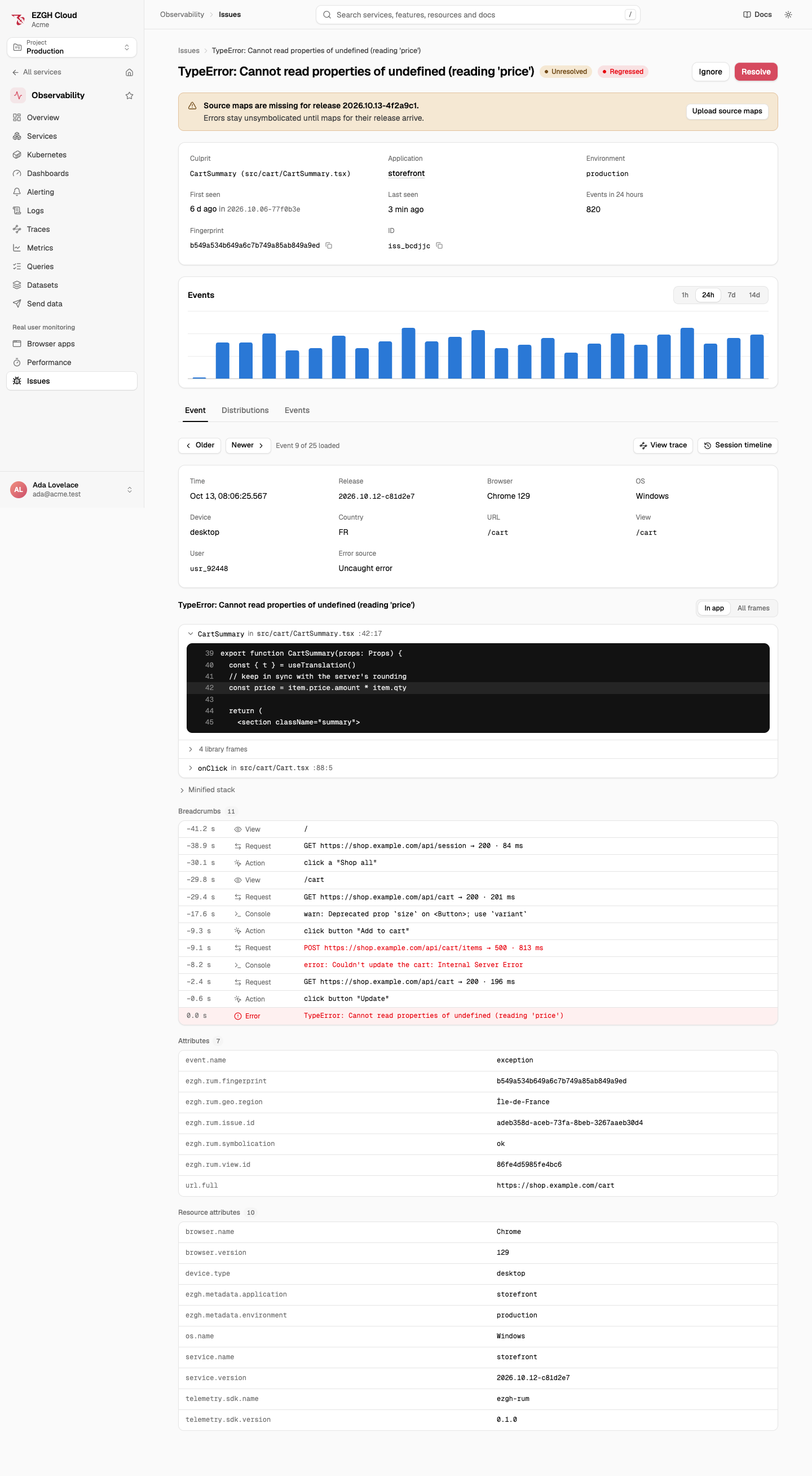
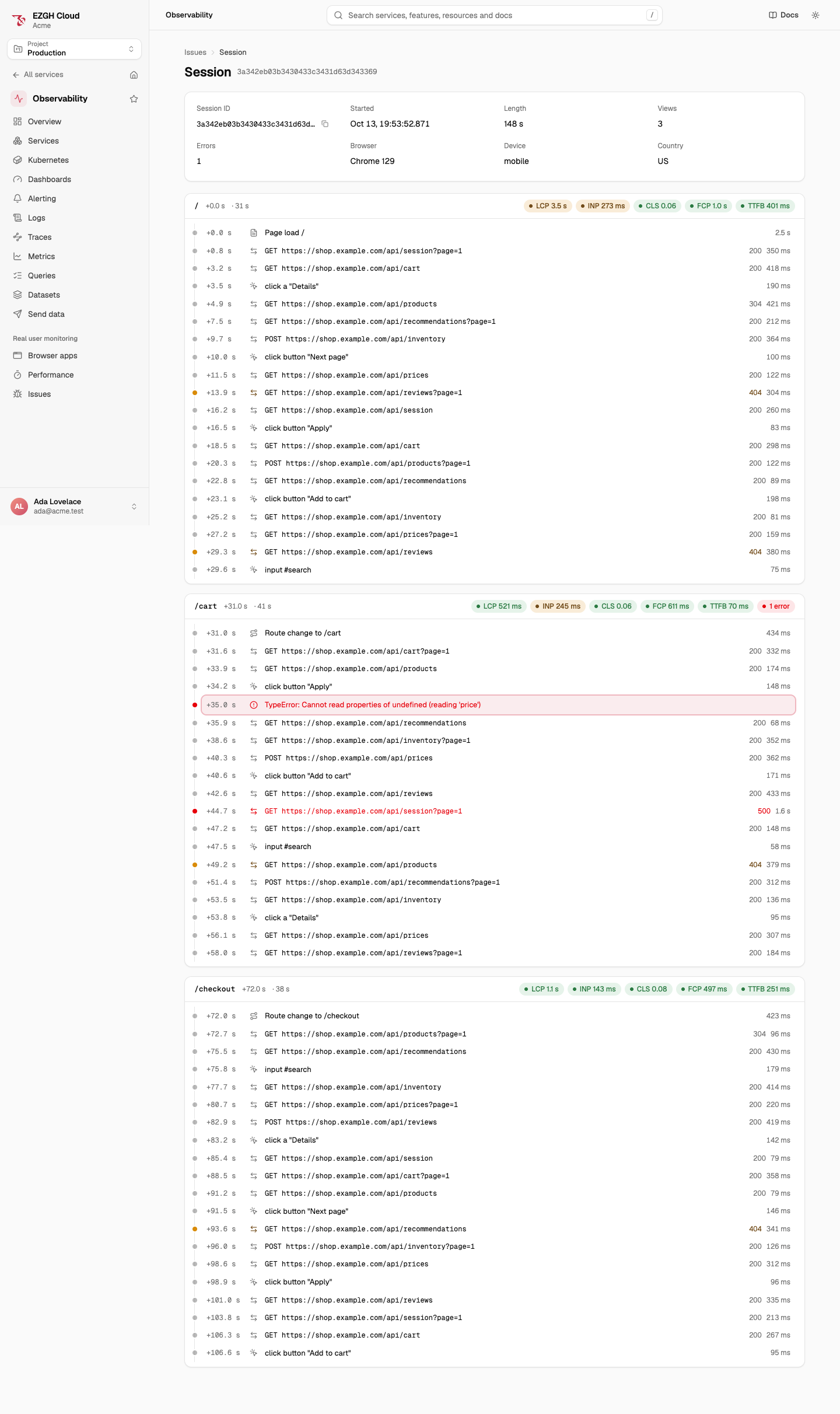
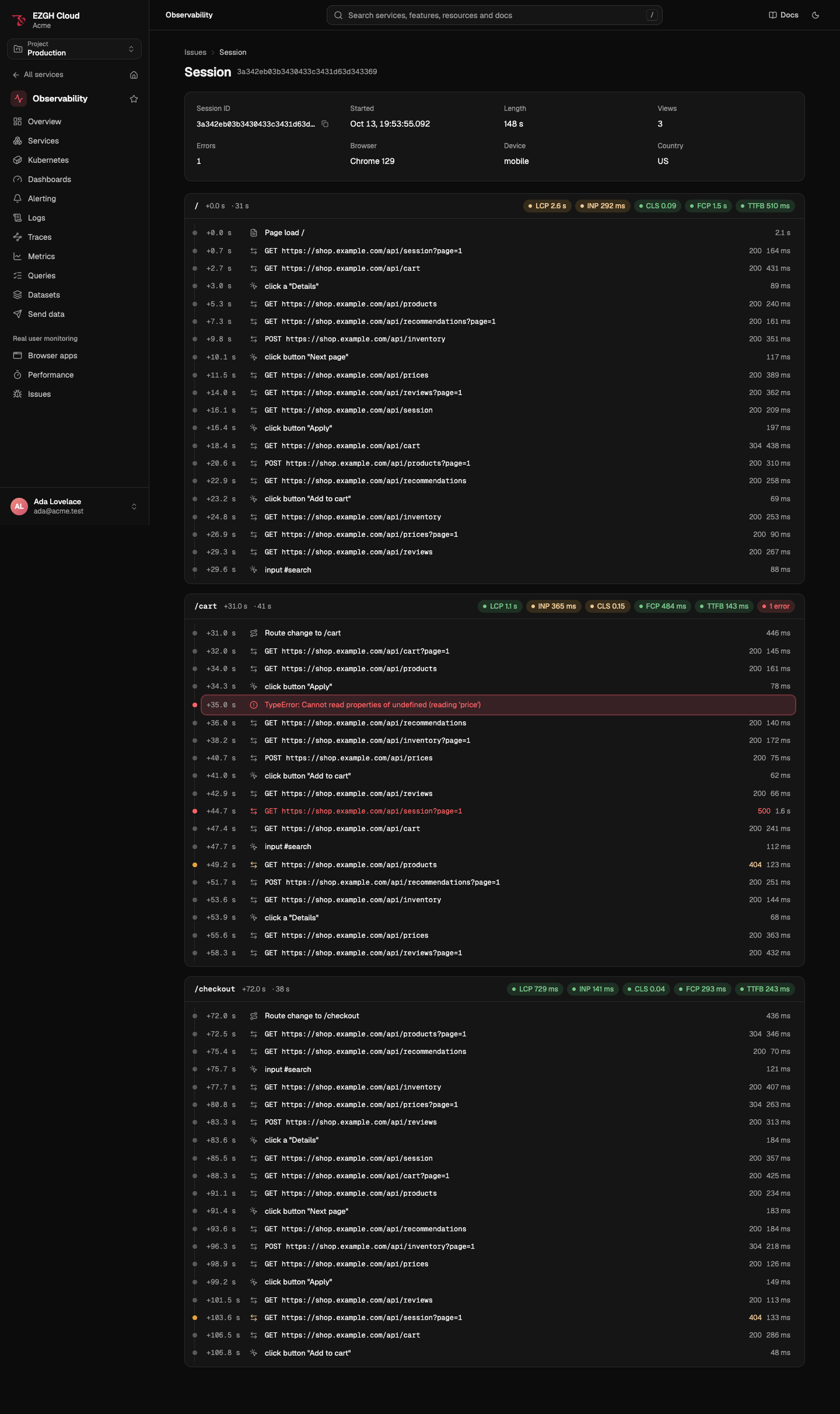
From an event, Session timeline shows that session around the error: each view with its Web Vitals, the page loads, route changes, interactions and requests (with their status and duration), and errors, in order. View trace opens the event’s trace. A timeline shows up to 2,000 items nearest the error.
Alerts
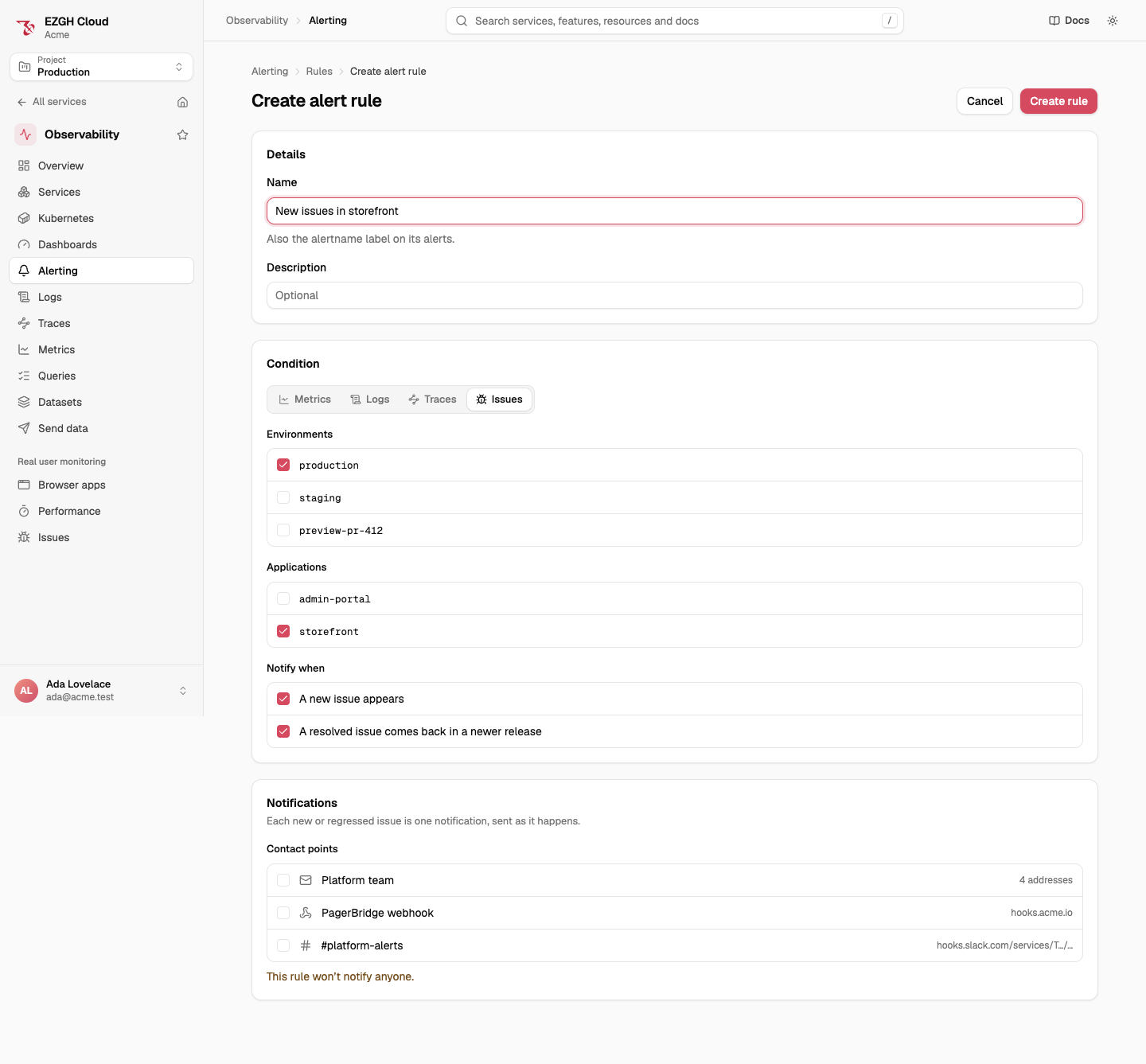
An issue alert rule notifies its contact points when an issue
is created or regressed:
{
  "name": "New storefront errors",
  "condition": {
    "issue": {
      "datasetIds": ["0199a3b4-2c1d-7e5f-8a9b-1c2d3e4f5a6b"],
      "applications": ["storefront"],
      "on": ["created", "regressed"]
    }
  },
  "contactPoints": ["01990c3e-5f2a-7b1d-9c4e-2a6f8d0b1e37"]
}| Field | Value |
|---|---|
datasetIds |
1 to 20 environments’ dataset IDs |
applications |
0 to 20 applications. Absent or empty: every application |
on |
created, regressed, or both |
- It sends one notification per new or regressed issue, as it happens, with the issue’s title,
culprit, application, environment, release and a link to it. It’s not evaluated every minute,
so
forandkeepFiringFormust be0m(the default), annotations aren’t allowed, andnoDataandrepeatIntervaldon’t apply. There’s no preview (alert-rules/test) for it. - Creating or changing one needs
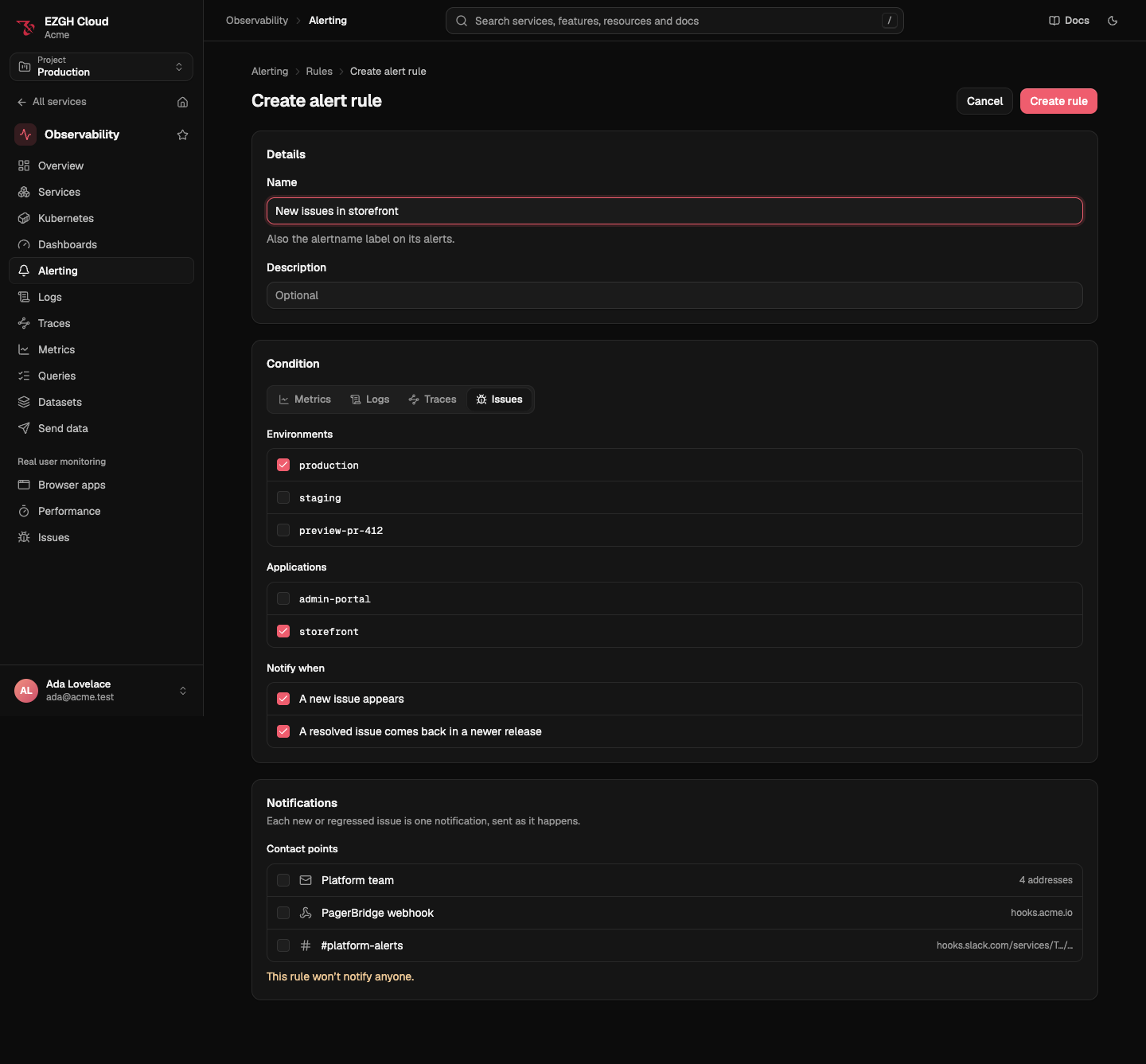
obs.issues.liston each of its datasets. - In the console, choose Issues as the rule’s condition, or click Alert on new issues on the Issues page.
- For “more than 100 events of one issue in 5 minutes”, use a
logs condition on
ezgh.rum.issue.id:
{
  "name": "Cart price errors spiking",
  "condition": {
    "logs": {
      "dataset": "0199a3b4-2c1d-7e5f-8a9b-1c2d3e4f5a6b",
      "filter": { "attributes": [{ "scope": "record", "key": "ezgh.rum.issue.id", "op": "equals", "value": "adeb358d-aceb-73fa-8beb-3267aaeb30d4" }] },
      "aggregate": { "fn": "count" },
      "window": "5m",
      "threshold": { "op": ">", "value": 100 }
    }
  },
  "noData": "ok",
  "contactPoints": ["01990c3e-5f2a-7b1d-9c4e-2a6f8d0b1e37"]
}
Retention
An issue is deleted 30 days after its environment’s logs retention has passed its last event. Its errors are logs, kept by the dataset’s retention class like any other.
In the console, the CLI and the API
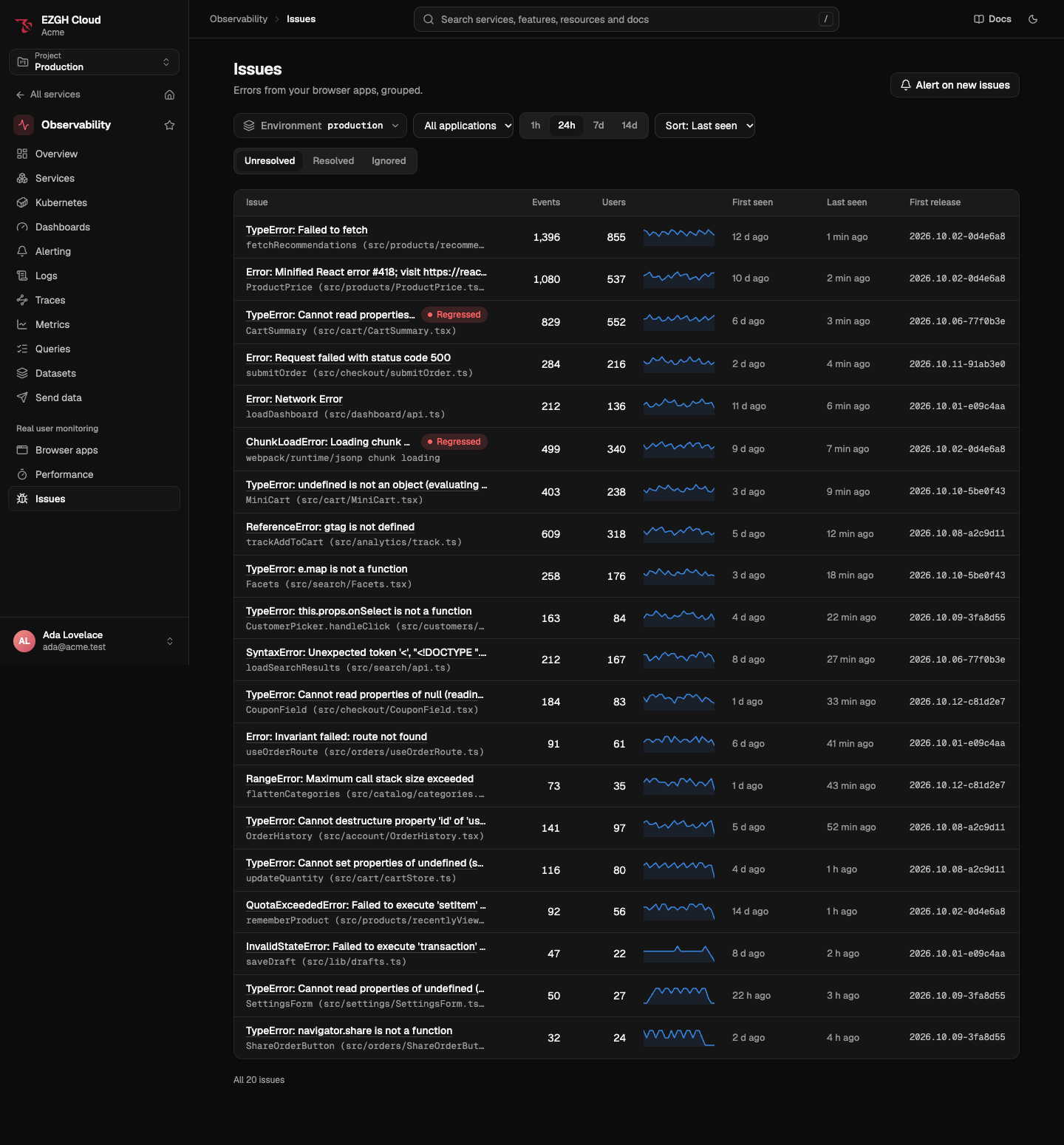
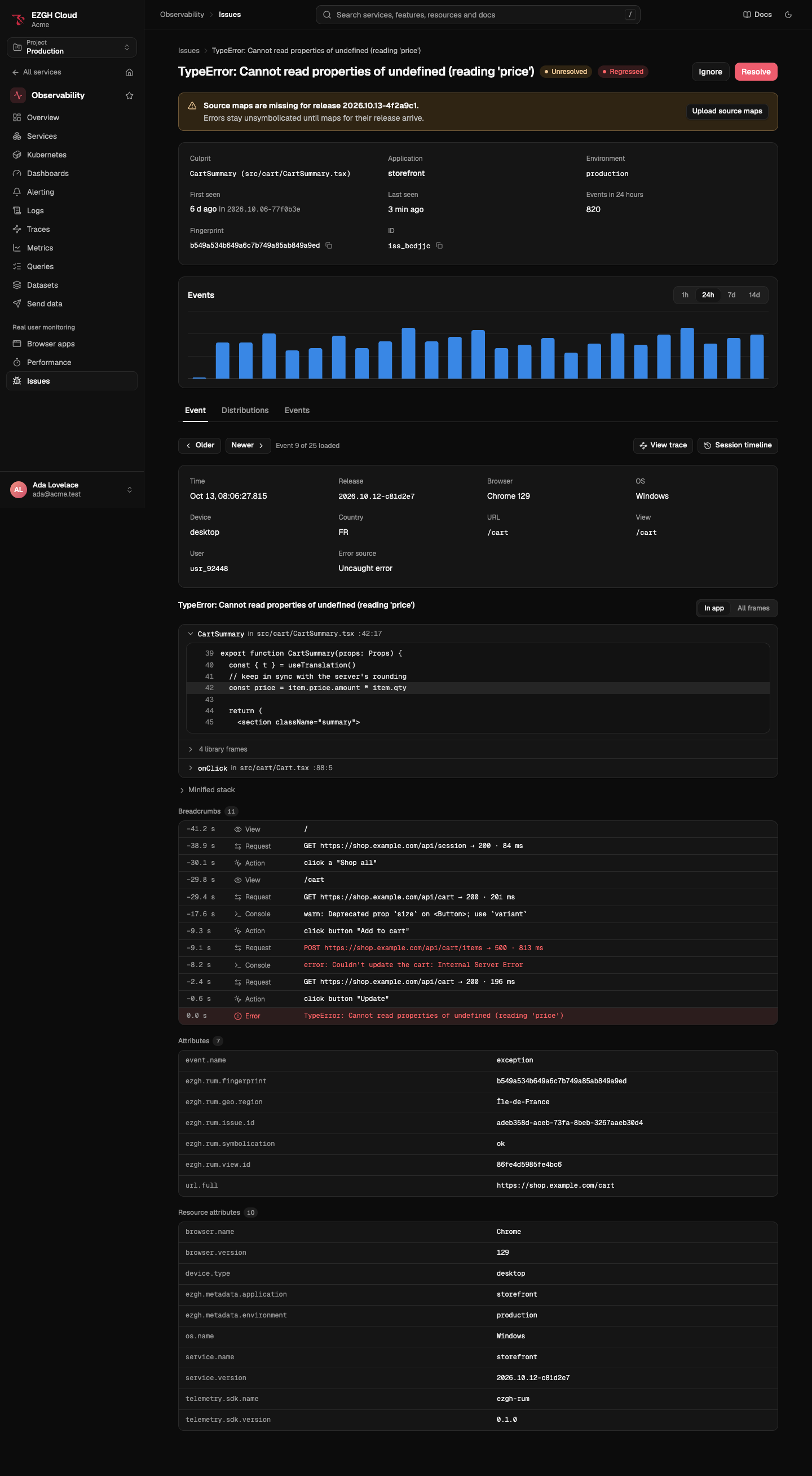
Open Observability > Real user monitoring > Issues. Choose the environment, application, window and sort; the tabs are Unresolved, Resolved and Ignored. An issue’s page has Resolve, Ignore or Unresolve at the top, an events chart, and the Event (one event with its stack, breadcrumbs and attributes, stepping through older and newer events), Distributions and Events tabs. The stack shows your code’s frames with the lines around them; All frames shows library frames too, and the minified stack is below.
ezgh obs issues list --environment production
ezgh obs issues list --environment production --application storefront --window 7d --sort users
ezgh obs issues get iss_c4rtpr1c3000 --events 10
ezgh obs issues resolve iss_c4rtpr1c3000
ezgh obs issues ignore iss_c4rtpr1c3000
ezgh obs issues unresolve iss_c4rtpr1c3000listtakes--datasetor--environment, and--application,--state(unresolved, the default,resolved,ignoredorall),--release(the release an issue was first seen in),--window(1h,24h,7dor14d) and--sort(events, the default,users,lastSeenorfirstSeen). A regressed issue shows asunresolved (regressed).get,resolve,ignoreandunresolvetake the issue’s ID oriss_slug.
ezgh obs issues lists every flag.
Under /v1/organizations/<organization ID>/projects/<project ID>/obs/ at
https://obs.ezghcloud.com. An issue is named by its ID or its iss_ slug.
| Operation | Request |
|---|---|
| List issues | GET issues?datasetId=…, with application, state, release, window, sort, cursor and limit |
| Get an issue | GET issues/<issue> |
| Change its state | PATCH issues/<issue> with { "state": "resolved" } and If-Match |
| Break it down | POST issues/<issue>/aggregate with { "window", "groupBy", "interval" } |
| List its events | GET issues/<issue>/events |
| A session’s timeline | POST sessions/<session ID>/timeline with { "datasetId", "around", "window" } |
GET issuesanswers each issue with itsevents,usersandsessionsover the window andseries: 24 event counts, oldest first, for a sparkline.- An issue’s version changes only when its state does, never when it’s seen again, so a
PATCHwith the ETag fromGETis answered412 precondition_failedonly when someone else changed its state in the meantime. aggregategroups by one field:service.version,browser.name,device.type,geo.country.iso_codeorurl.path(groupByis required), and answers the top 20 groups with their events and users, and the events per interval.- A session timeline reads
around±window(1mto4h,4hby default), and answers up to 2,000 items withtruncatedwhen there were more.